Resource · Top 10
Free Mashup Maker vs GarageBand — Which One Is Actually Better?
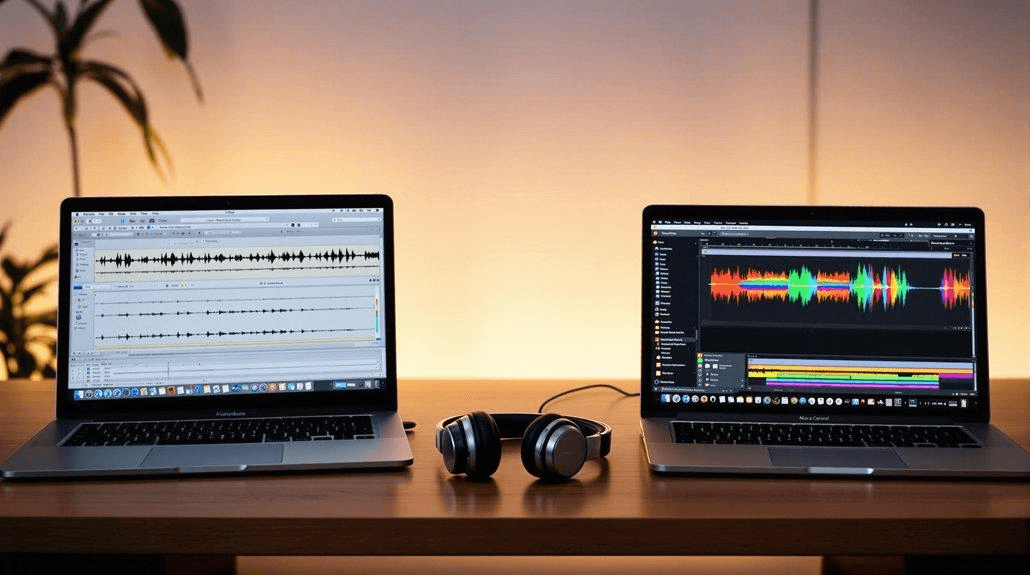
If you’ve ever tried to mix two songs together, you’ve probably faced this exact question: Should you use a professional workstation like GarageBand… or just open a simple free mashup maker online?
I tested both approaches side-by-side — and the winner isn’t as obvious as you might think.
🎧 The Two Ways to Make a Mashup
There are basically two paths you can take:
1. Traditional Music Software (GarageBand)
- Full creative control
- Professional-grade mixing tools
- Catch: Steep learning curve (and you must own an Apple device)
2. AI Mashup Makers (Online Tools)
- Instant, browser-based results
- Zero setup or installation
- Catch: Less granular control over individual audio frequencies
⚔️ Head-to-Head Comparison
Here’s exactly what I found after putting both to the test:
| Feature | GarageBand | Free Mashup Maker |
|---|---|---|
| Setup | Heavy install (Mac/iOS only) | Works instantly in any browser |
| Stem Splitting | Requires 3rd-party plugins | Built-in AI vocal extraction |
| Learning Curve | Hard | Easy |
| Time Needed | 1–2 hours | 2–5 minutes |
| The Result | Professional | Surprisingly flawless |
🚀 My Real Experience
Using GarageBand
To do this right, I had to:
- Find and download an isolated acapella and a separate instrumental track.
- Spend 20 minutes just setting up the project and importing files.
- Spend another 30+ minutes manually slicing audio to align the BPMs.
👉 The Result: High quality, but incredibly time-consuming. And if you don't have a Mac, you can't even play the game.
Using an AI Mashup Maker
I switched over to an online tool (EditPaw AI Mashup Maker) to try blending something specific — I took the vocals from Beyond's "喜歡你" and dropped them over the instrumental track of Eason Chan's "K歌之王".
- Uploaded the standard MP3 files directly to the browser.
- The AI automatically extracted the vocals and removed the original background music.
- It matched the BPM instantly and auto-aligned the beats.
👉 Total time: Under 3 minutes.
And honestly? 👉 The result was seamlessly blended and completely ready for social media.
🔥 The Biggest Difference
When it comes down to it, the choice is simple:
Precision vs. Speed
- GarageBand = Precision. You can tweak every single snare hit and vocal breath.
- AI Tools = Speed. You get a finished track before GarageBand even finishes loading its sound library.
And for most modern creators? 👉 Speed wins.
💡 Who Should Use What?
Fire up GarageBand if:
- You’re an aspiring music producer.
- You have a Mac or iPad.
- You want absolute, surgical control over the mix.
Use a Free Mashup Maker if:
- You’re on a Windows PC or just want to use your browser.
- You don't want to hunt down isolated vocal tracks yourself.
- You just want quick, shareable results for TikTok, Reels, or your own playlists.
🎯 Final Verdict
GarageBand is an incredibly powerful piece of software — there is no doubt about that. But for 90% of people who just want to hear what their two favorite songs sound like together, it’s simply overkill. AI mashup makers are faster, easier, and actually accessible to everyone, regardless of their operating system or skill level.
And that’s exactly why they’re taking over the internet.
👉 Try it yourself: EditPaw AI Mashup Maker (Free Online)